 Wan 2.6NewHot


Meet Our All-in-One Image to Video AI
Meet our all-in-one Image to Video AI. LitsArt supports multiple AI models to transform images into dynamic, high-quality videos.
Sora 2
Veo 3
Wan 2.5
Seedance 1.0 Pro


Create Stunning Videos from Your Images with LitsArt AI
Transform your photos into dynamic, high-quality videos with LitsArt. Explore powerful AI features, cinematic effects, realistic motion, and multi-format exports.
One-Click Video Magic
Transform any static image into a dynamic, animated video instantly with LitsArt’s AI. No editing skills required, results look professional.
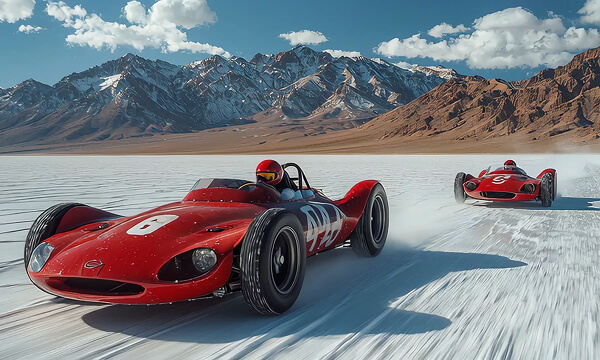
Realistic Motion & Camera Effects
Bring photos to life with natural motion, facial expressions, and cinematic camera moves, creating immersive, eye-catching video content effortlessly.
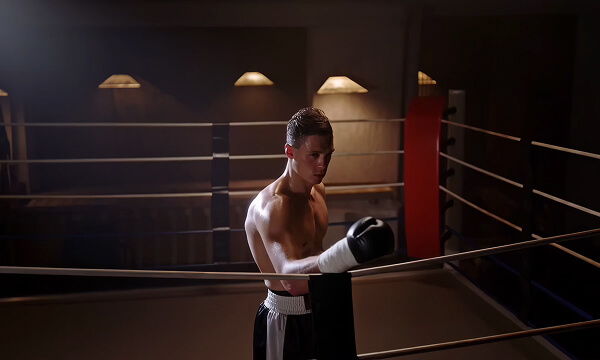
Stunning AI-Powered Visual Effects
Enhance videos with anime, cinematic, or atmospheric effects. LitsArt AI automatically applies professional-grade visuals to your images.
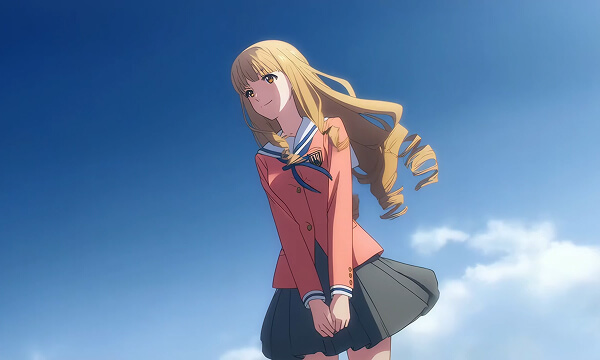
High-Quality, Ready-to-Use Videos
Produce crisp, stable MP4 videos that preserve image details. Download instantly and use for marketing, social sharing, or creative projects.
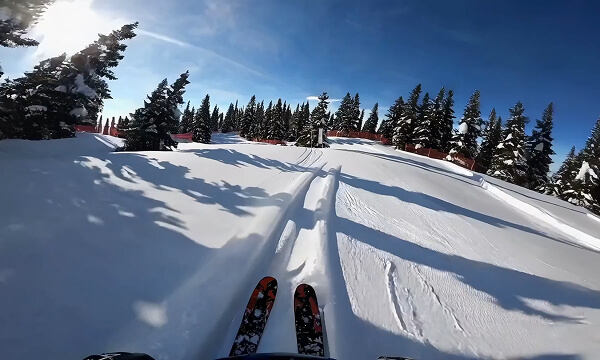

See Your Photos Come to Life
Explore real examples of images transformed into dynamic videos with LitsArt. Watch static photos turn into cinematic, animated, and share-ready content instantly.
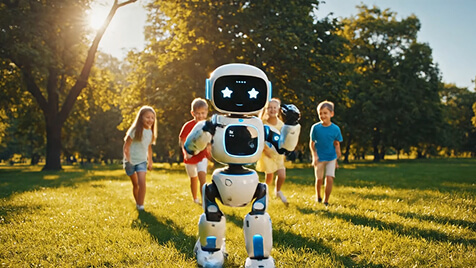
Prompt: A cute robot dancing in a sunny park, children playing around, cheerful background music.
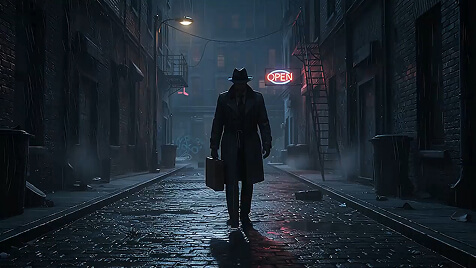
Prompt: A lone detective walks into a rain-soaked alley at night, neon signs reflecting on wet pavement, suspenseful atmosphere.
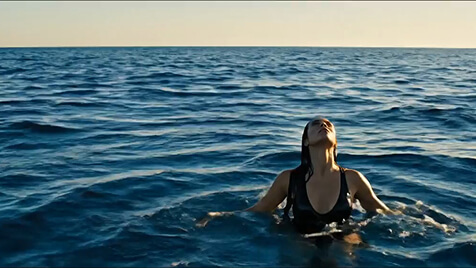
Prompt: Whales leap out of the water, splashing water everywhere, while a person floats gently, and the light and shadows move naturally underwater.
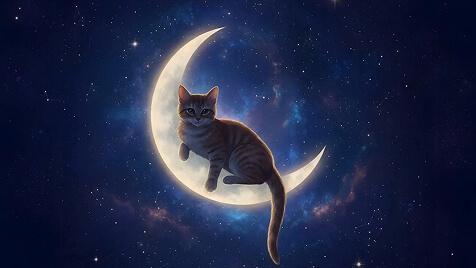
Prompt: Generate a video from the image of a kitten sitting on a crescent moon, with its tail wagging, eyes blinking, the moon slowly rotating, and stars twinkling in the night sky.
How to Convert Image to Video AI By LitsArt?
- Step 1: Choose a Model
Select your preferred AI model or visual style. Add a simple prompt to guide motion, mood, or effects.
- Step 2: Upload Your Image
Choose any photo or artwork you want to animate. LitsArt supports common image formats and works with both realistic and creative visuals.
- Step 3: Generate & Download Your Video
Click generate and let AI do the work. Preview your video and download a high-quality MP4 instantly.
Endless Creative Use Cases with LitsArt AI
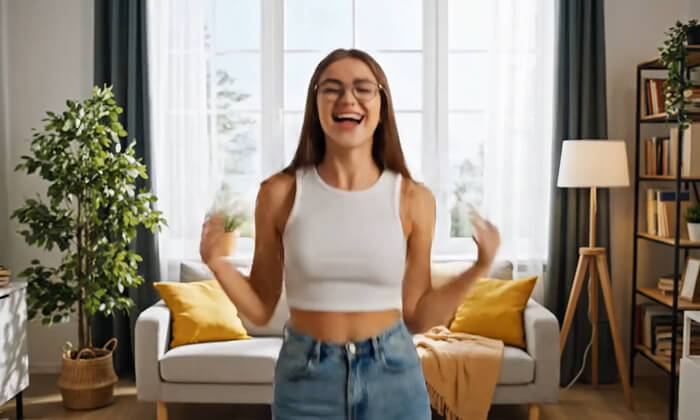
Social Media Managers
Create eye-catching videos from static images to boost engagement on TikTok, Instagram Reels, and other social platforms effortlessly.
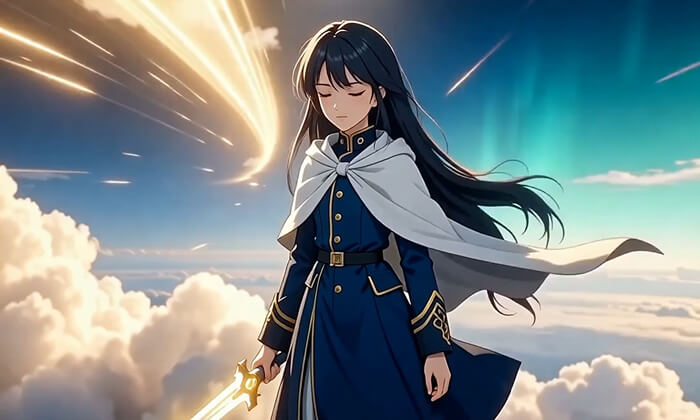
Content Creators
Turn creative ideas, artworks, or photos into dynamic videos with AI-powered motion and effects—no editing skills required.
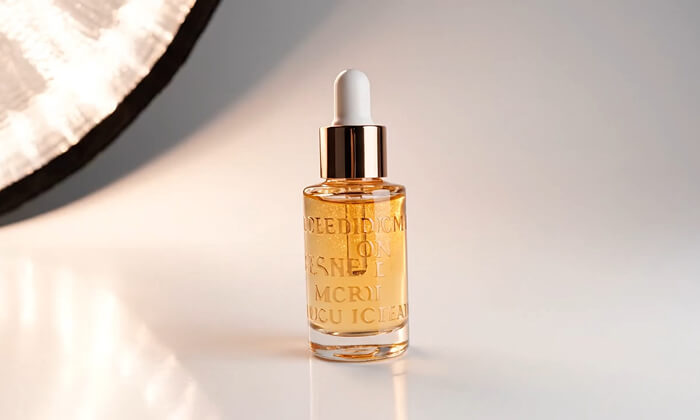
E-commerce Sellers
Transform product images into short videos that showcase details, motion, and highlights, helping increase clicks and conversions.
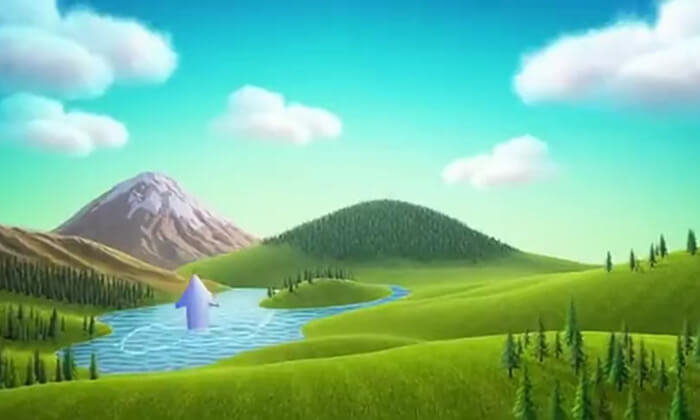
Educators & Trainers
Convert educational visuals into engaging video content for lessons, presentations, and online courses with minimal effort.
Filmmakers
Turn storyboards, concept art, or still frames into dynamic video clips. Add natural motion, camera movements, and cinematic effects to bring your scenes to life.
Real Reviews from Real Creators
Alex Morgan, Social Media Manager
LitsArt turns static images into engaging videos fast. Perfect for boosting reach and engagement on short-form social platforms.
Sophia Lee, Content Creator
The image-to-video results feel natural and cinematic. I love how easily I can bring my visuals to life.
Daniel Carter, Filmmaker
LitsArt helps me animate storyboards and concept art quickly, making pre-visualization much clearer and more efficient.
Emily Rodriguez, E-commerce Owner
Product photos become eye-catching videos in minutes. This tool significantly improved click-through rates on my product pages.
Michael Chen, Digital Marketer
The multiple AI models give me creative flexibility. LitsArt makes producing high-quality video content incredibly simple.
FAQs About AI Image to Video Generator
- 1. What is Image to Video AI?Image to Video AI turns a single image into a short video by adding natural motion, camera movement, and visual effects using AI models.
- 2. What types of images work best?Photos with clear subjects and depth, such as people, products, landscapes, or scenes, usually produce the most realistic results.
- 3. How long does it take to generate a video?Most videos are generated within a few seconds to a few minutes, depending on the selected model and video complexity.
- 4. Can I choose different AI models?Yes. LitsArt supports multiple AI models, allowing you to select different motion styles and visual effects for your videos.
- 5. Do I need video editing skills?No. The entire process is automated and beginner-friendly. Just upload an image, adjust settings, and generate your video.
- 6. What video formats are supported?Generated videos can be downloaded in common formats suitable for social media, websites, and marketing campaigns.
- 7. Can I use the videos for commercial purposes?Yes. Videos generated on paid plans can be used for commercial and marketing purposes.
- 8. Is this tool suitable for social media content?Absolutely. The videos are optimized for platforms like TikTok, Instagram Reels, YouTube Shorts, and ads.
- 9. Can I regenerate or edit my video?Yes. You can regenerate videos with different prompts or models to explore multiple creative variations.
- 10. Is my uploaded content secure?Yes. Your images and generated videos are processed securely and are not shared with other users.